

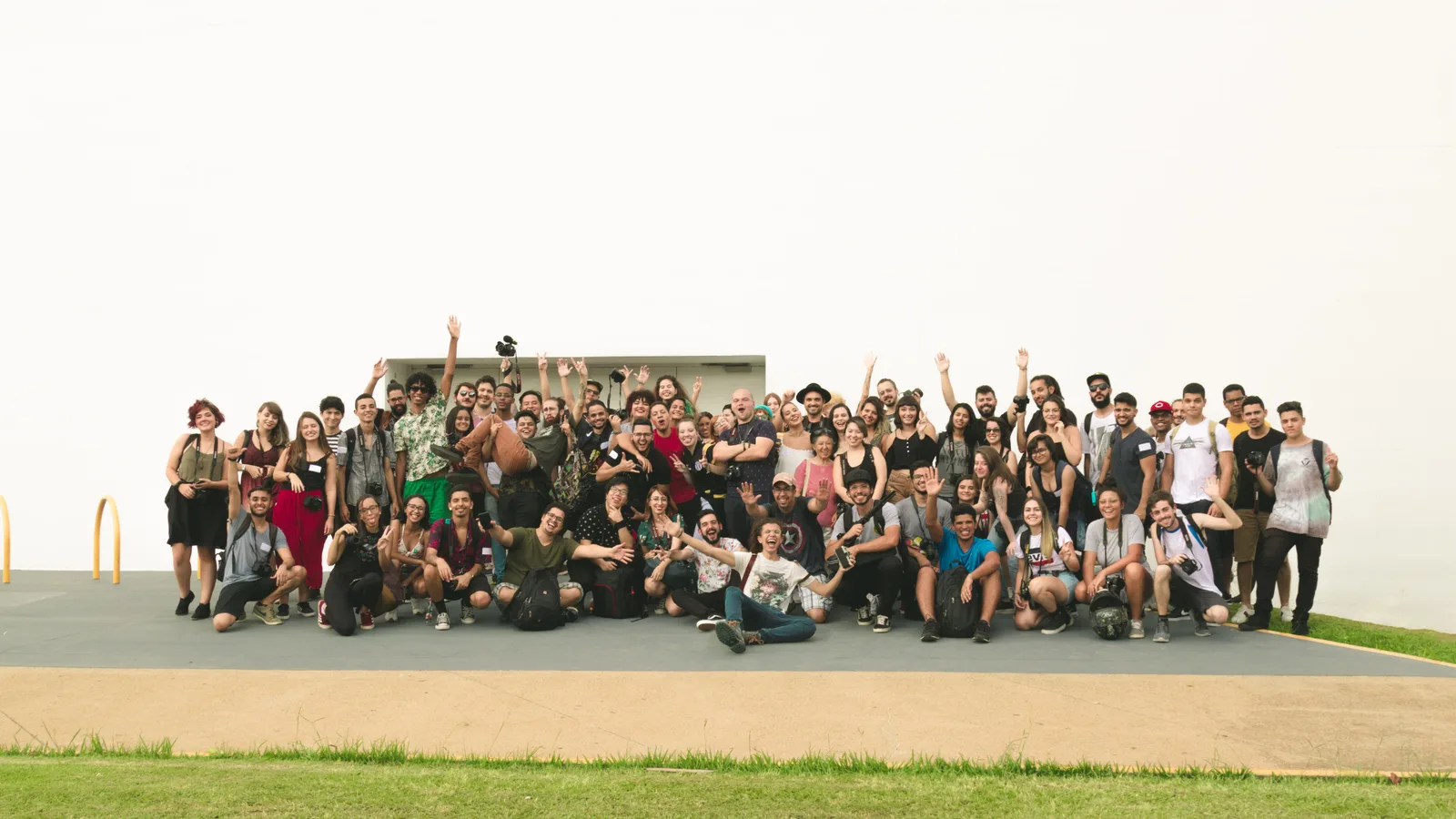
Playbook · Team Building
Running smooth multiplayer team-building experiences
How to design, organize, and run engaging ReadySet experiences that keep teams connected, collaborative, and energized.
 AuthorSteve Dunkley· Head of Growth9 min read
- Use Case
- Team Building
- Audience
- HR · Team Leads · Agencies
- Format
- Multiplayer Experiences
- Group Size
- 10–500+
- Duration
- 60–120 Min Gameplay
- Effort to Run
- Low to Medium
Why this playbook exists
Modern team building activities work best when participation feels natural.
The strongest experiences don't force engagement. They create environments where collaboration, movement, competition, and shared discovery happen on their own — because the format quietly invites them.
This is the playbook for planning successful team building events with clear goals, then designing, organizing, and running smoother multiplayer ReadySet experiences. Well-defined objectives help improve specific outcomes like team communication, collaboration, and employee engagement, and planning should also cover a realistic budget plus logistics like venue and catering. Less HR theatre, more multiplayer gameplay people actually talk about on Monday.
Start with the right format
Format is the first design decision.
Short or long, competitive or collaborative, indoor or out, single-player or multiplayer — choosing the right format is a core part of planning activities for different team sizes and roles, and the right shape carries the rest of the experience.
Smaller teams (10–40)
Lean tighter: shorter routes, discussion-heavy challenges, fewer parallel teams, and formats that help all team members collaborate effectively. Closeness is the asset — don't dilute it across a wide map.
Larger groups (40–500+)
Multiplayer teams, leaderboard on, checkpoints distributed for natural flow. Pacing variety prevents the inevitable mid-event lull.
Indoor formats
Use venues with sightlines and signal. Lean toward photo, creative, and trivia challenges; mixed activity types usually work better for diverse teams and varied personalities.
Outdoor formats
Walk the route. Cap checkpoint spacing so no team ever feels stranded between stops. Favor inclusive activities that accommodate different physical abilities, and put weather contingencies on the runbook, not in your head.
Keep gameplay pacing balanced
Variety beats complexity. Every time.
Checkpoint spacing, challenge difficulty, and activity mix are the three levers that decide whether the room is still energized at minute 60. Tune them deliberately.
Trivia
Quick wins. Crowd energy lifts every time a team gets one. Office trivia works well with 5–30 participants and typically runs 30–45 minutes.
Photo missions
Movement + laughter. The single best assets for the recap.
Creative challenges
Group decisions force conversation between checkpoints. A marshmallow challenge with spaghetti and tape is a simple way to build creative problem solving.
Exploration tasks
Reward curiosity. Use these to break up score-driven blocks.
Scavenger hunt
A flexible format for 5–50 participants that usually lasts 30–45 minutes and gets teams collaborating as they move between clues and locations.
Prepare participants beforehand
The first three minutes do most of the work.
Onboarding decides whether the room is playing at minute four or still fumbling with permissions. Use a simple agenda for the first few minutes — welcome, access check, brief rules, then start — and move every solvable problem into pre-event comms.
Full operational checklist in the Help CenterApp download
Send the link 24–48 hours ahead, not on the day. Include a one-line explainer of what ReadySet actually is.
Event code
Short, memorable, projected on a screen during the briefing — the same clear setup works just as well for a team meeting or virtual team building.
Expectations
Tell people what to wear, what to charge, and how long they'll be moving.
Permissions
Warn them the app will ask for location and camera — that one line removes most join-day delay.
Onboarding clarity
Pre-assigned teams. No on-floor reshuffling. A quick icebreaker helps onboard new team members before gameplay starts.
Design for social interaction
Multiplayer is the entire point.
The best multiplayer experiences create the conditions for conversation, discovery, teamwork, problem-solving, and shared progression. The gameplay should be a reason for people to talk to each other, not a reason to look down at a phone in silence.
If a challenge can be solved alone in under thirty seconds, redesign it into an exercise that strengthens bonding and communication skills. The activities you remember from a good event are the ones that forced the team to huddle.
A human knot is a simple in-person example for 7–12 participants that builds trust and effective teamwork. 3 Question Mingle is a classic game for 2–40 participants over 30–60 minutes that helps new and established teams connect.
Test before launch
Studio shows the plan. Your feet show the event.
- Run a full preview on a real device, not just in Studio
- Walk at least one full segment of the route
- Verify GPS in the actual venue or neighborhood
- Time-box a sample team to validate total runtime, and see whether one member or the whole team is carrying the load
- Sanity-check every checkpoint's difficulty and copy so test runs show how teams actually solve things together
- Test the same way for in-person and virtual team building events
Keep the experience moving
Momentum is a design choice.
Bottlenecks come from uniform intensity. Vary the rhythm and the event carries itself, while helping boost morale during longer events.
Quick wins
Light trivia and easy photos early on — they build confidence and lift the room.
Larger challenges
Drop a meatier creative or team task at the midpoint to re-engage, and make sure it encourages creative and strategic thinking, not just score chasing.
Social moments
Cluster a few checkpoints so teams cross paths and spark friendly competition.
Progression rewards
Visible scoring beats. The leaderboard should tell a story, not just count.
Use branding thoughtfully
Brand should enhance immersion, not announce itself.
Logos, themes, company values, and custom activities all earn their place when they make the experience feel more specific to the group. Used heavily, they tip the room from playful into corporate in a single screen. Branded touches reinforce company culture when they encourage collaboration rather than feel promotional.
The rule of thumb: brand the wrapper, leave the gameplay alone. Custom activities that reference inside jokes, team rituals, or real company history outperform any logo you can place on a checkpoint, and the best branded challenges still leave room for creative solutions from the team.
Common mistakes to avoid
The patterns we see most often.
- Too many checkpoints — pacing collapses
- Challenges that punish first-timers
- Onboarding that assumes prior knowledge
- Pure competition with no collaborative beats
- Walking distances that outrun the energy, especially when challenges aren't scaled to the group
- Skipping the on-site test for any reason
- Choosing a game that doesn't match the team's goals or dynamics
Final takeaways
The few things worth remembering.
- Keep gameplay focused — one clear shape per event.
- Prioritize interaction over scoring complexity.
- Prepare participants early; comms is half the experience.
- Balance pacing carefully — quick wins, then a meatier beat.
- Test on-site before launch. Always.
- Use post-event surveys to measure impact and team performance.
- Gather feedback so the next event is easier to improve.
Plan your next one
Build your next multiplayer team experience.
Talk through your next team building event with our team, or browse formats and ideas for events in person or for remote teams.