
Create an Event in ReadySet
From first idea to live leaderboard: how organisers build, launch and run a ReadySet experience.
Organizer journey
You're the
director
A clean, focused workspace. No bloated dashboards, no setup fatigue. Build the experience your event deserves and run the whole thing from a single live view.
- 01
Create the event in a few clicks
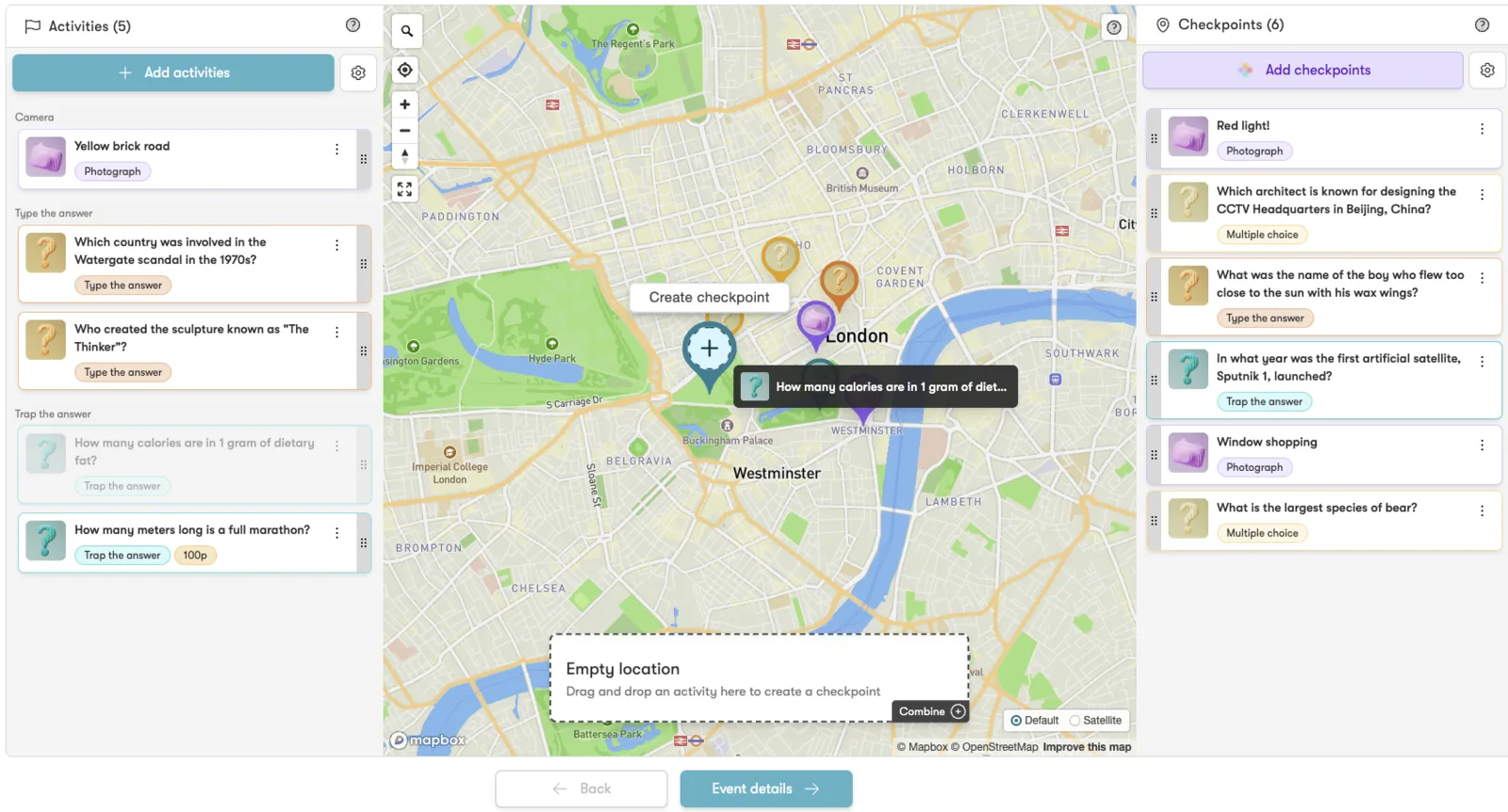
Pick a format, set the date and venue, drop a pins on the map for checkpoints. Your event is created in less than a few minutes.
- 02
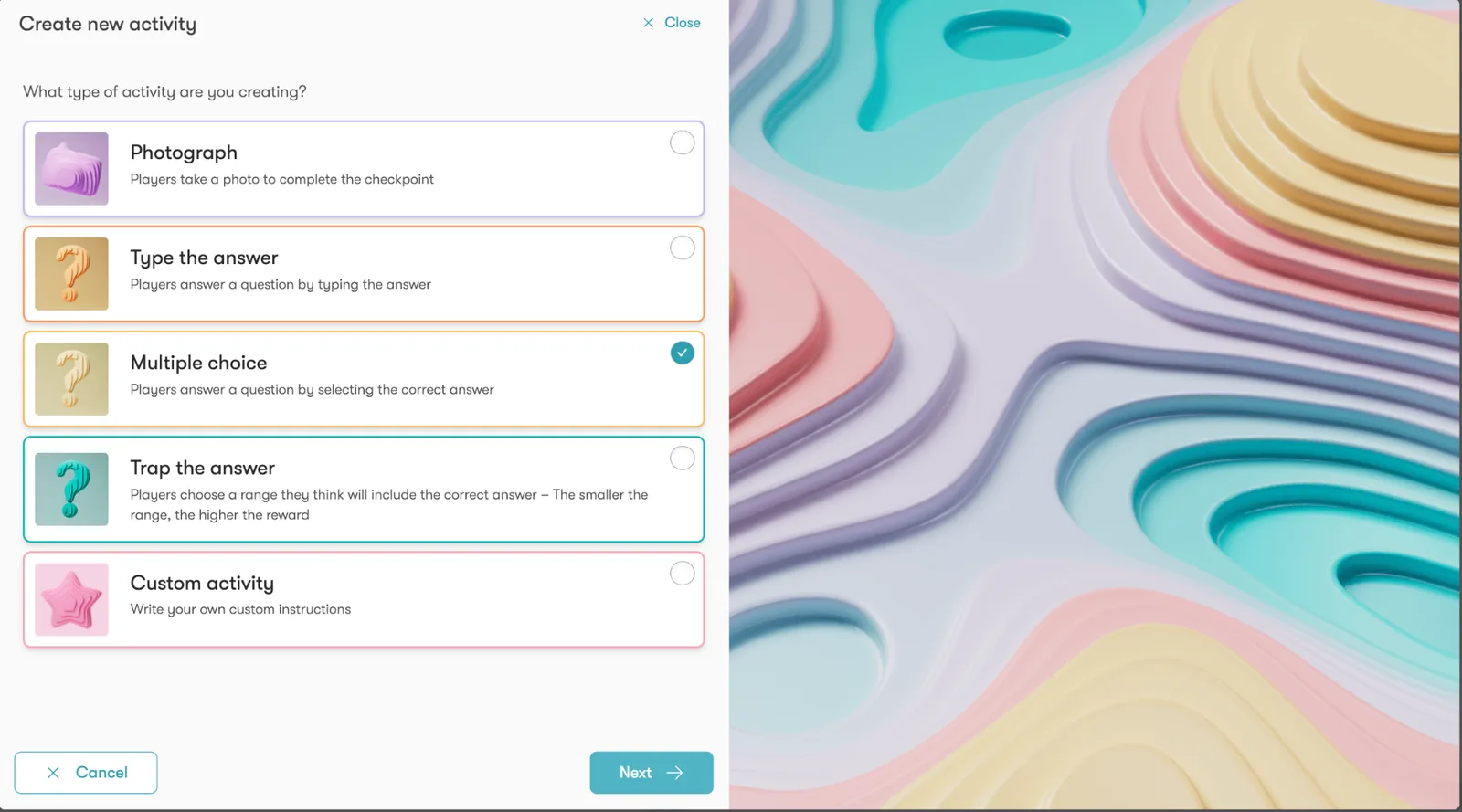
Customize challenges and the event to fit your brand
Photo, video, trivia, AR, head-to-head. Drop in sponsor logos, location pins, and brand prompts. Customize to your own liking. Want even more customization? We design the rest with you.
- 03
Invite teams
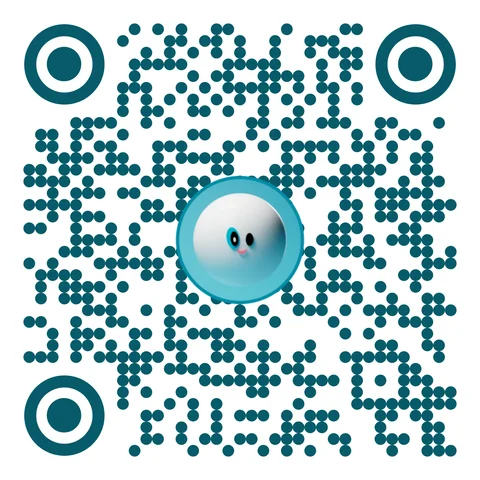
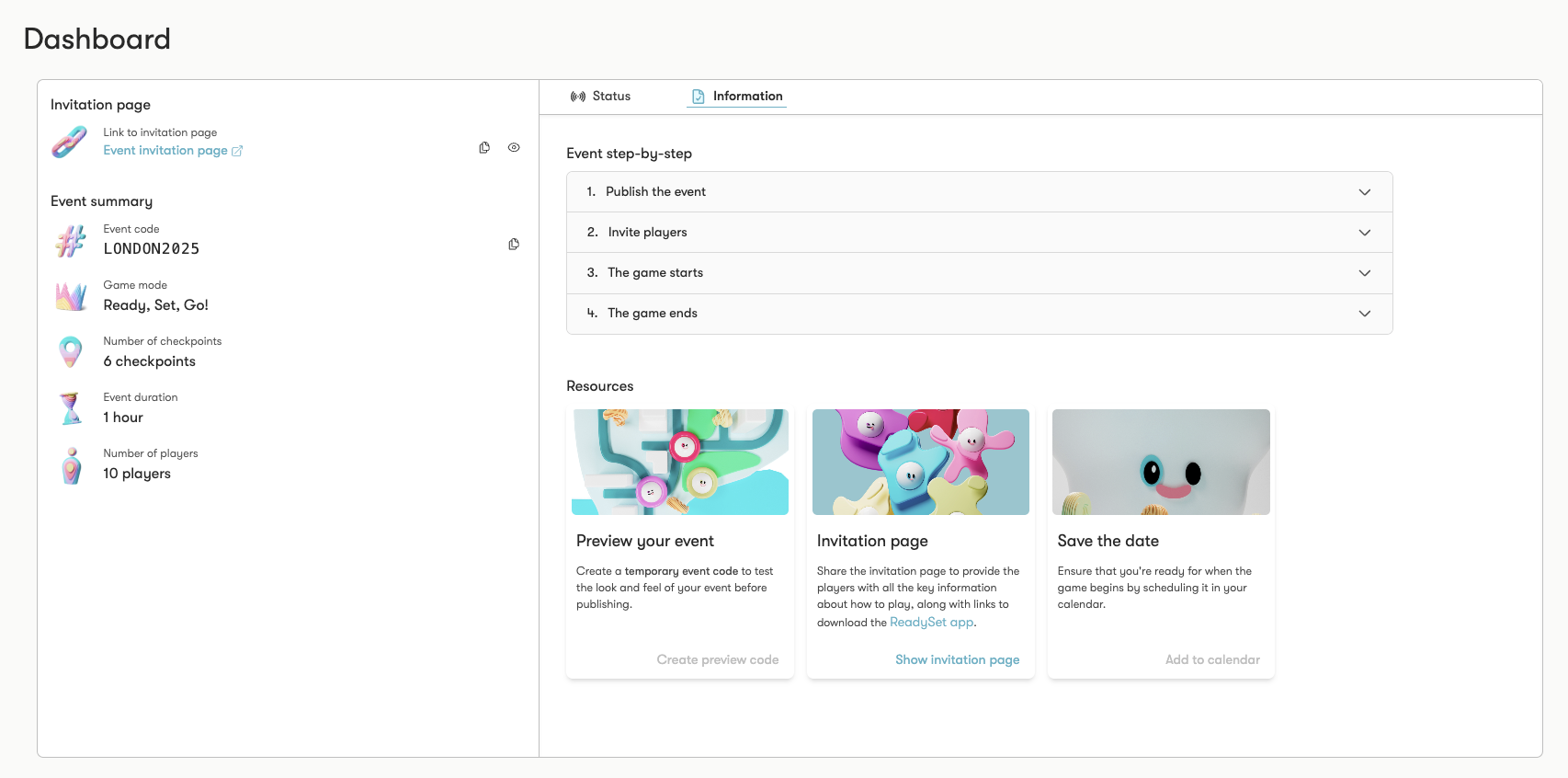
Send a single link or QR. Players launch the ReadySet app and join in seconds. Auto-balance teams or let them self-organize.
- 04
Launch and monitor in real time
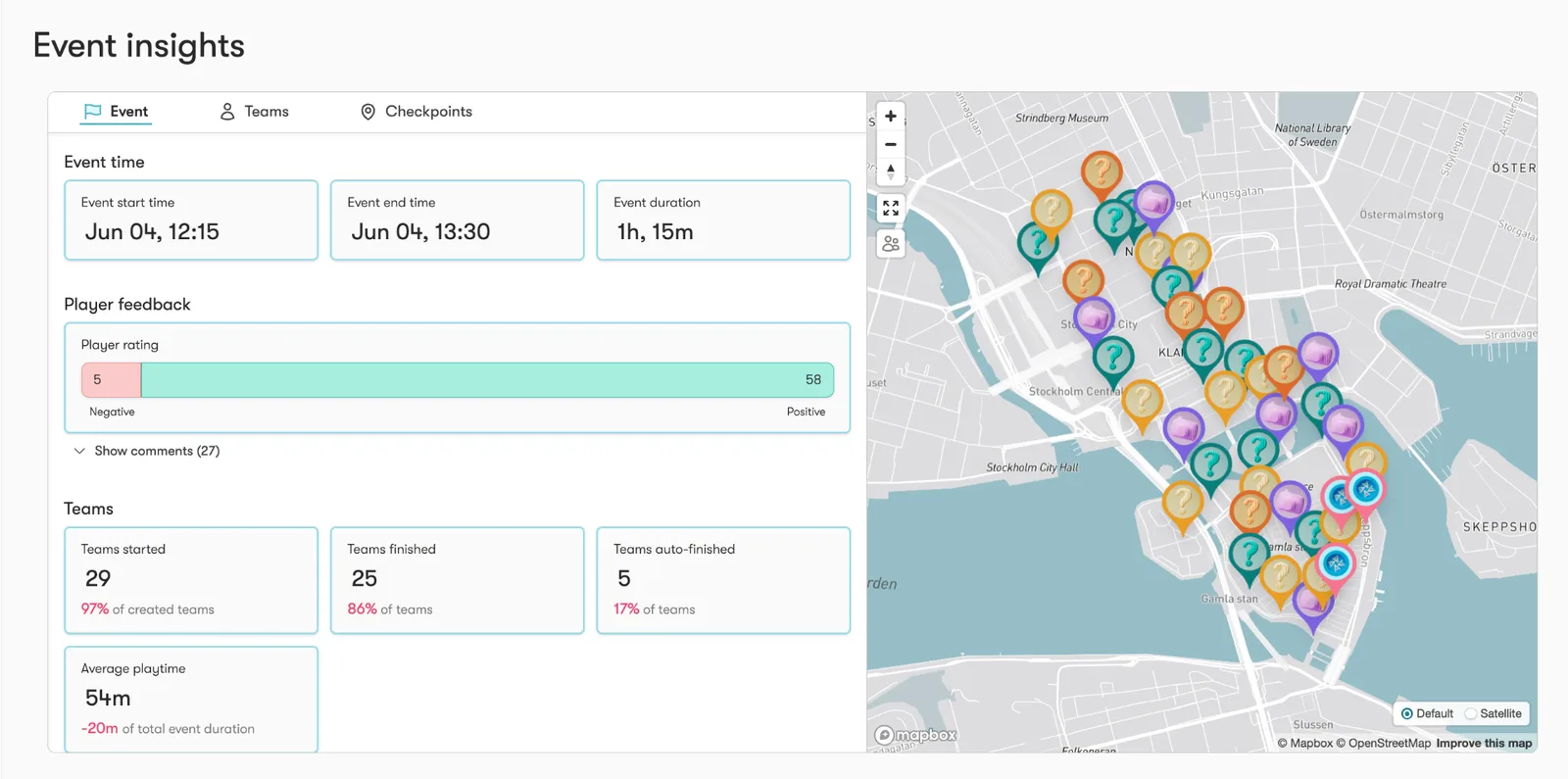
One live view: every team, every checkpoint, every moment. Nudge a group, push a bonus mission, extend a round, without breaking flow.
- 05
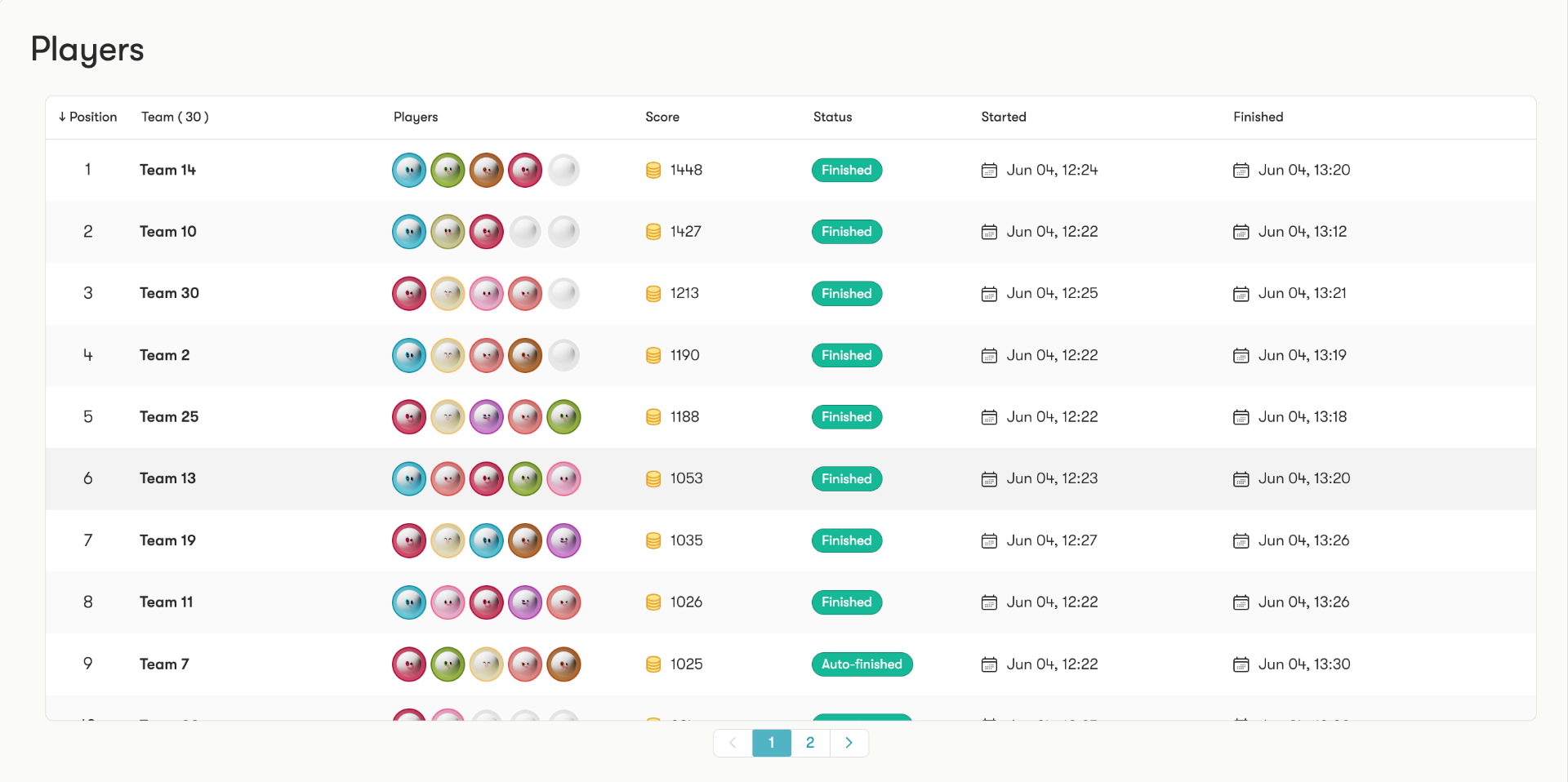
Crown the winners and get access to insights
When the time is up, the winner is announced and every player gets the photos and stats from their team. As the event creator you get access to highlights, insights and performance stats as well as all media uploaded and created during the game.
Try It Yourself
Not sure yet? Play a demo game first.
- 1Tap Play the DemoScan the code
- 2Open the app
- 3Play
Free · About 2 minutes · No account needed
Play the Demo